

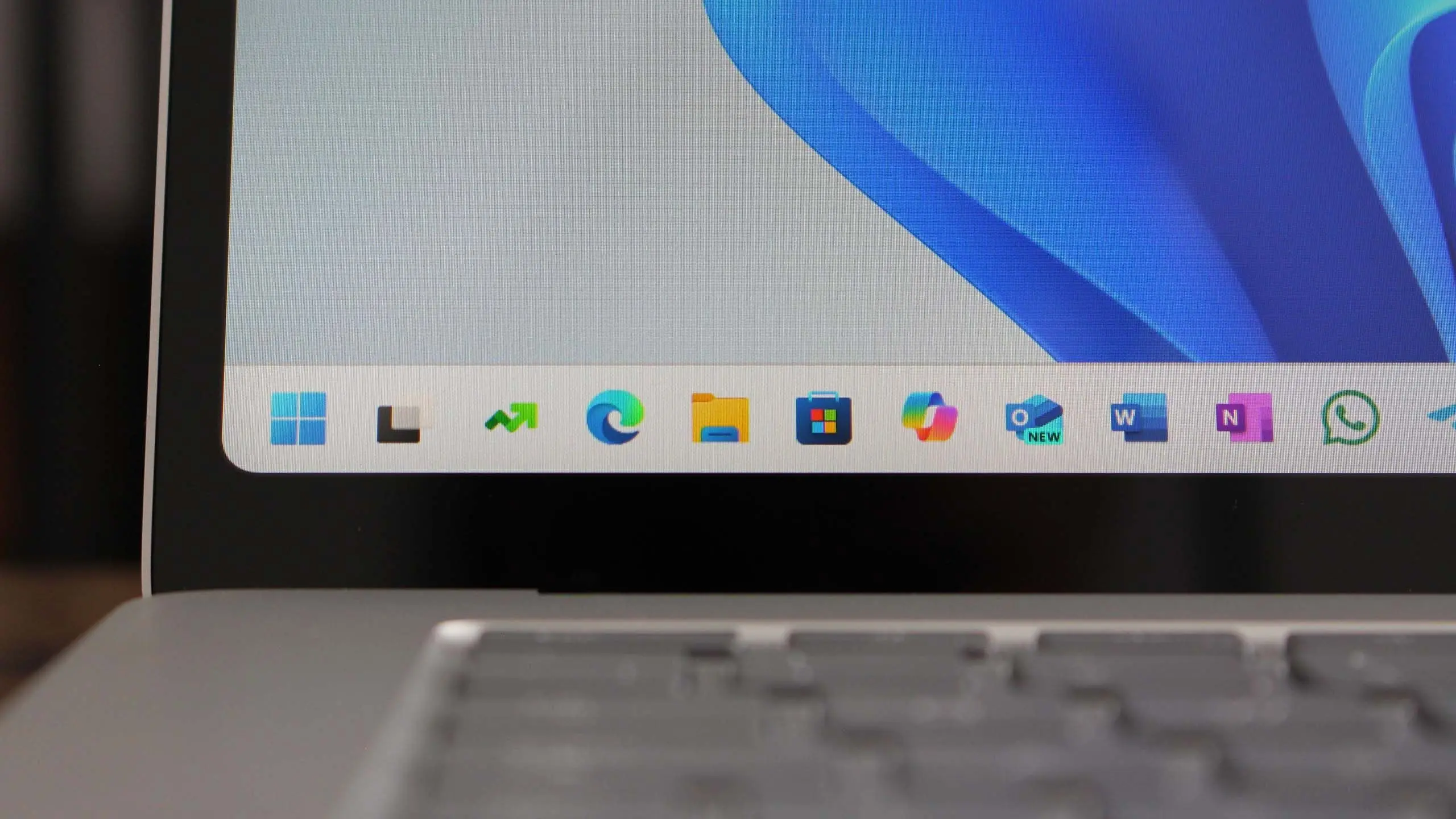
Microsoft has officially announced Windows 11 version 25H2, the company's next significant feature update for its flagship operating system. Building on the foundation laid by previous releases, 25H2 promises a more intelligent, secure, and user-friendly experience. This comprehensive article covers everything you need to know about the latest OS release, including new features, rollout plans, compatibility requirements, and how to get the update.
A new era of AI-powered computing
The most significant theme of Windows 11 25H2 is the deep integration of artificial intelligence. Microsoft has been steadily embedding AI across its products, and this update takes it to the next level. The headline feature is the expansion of Copilot, Microsoft's AI assistant, which becomes more contextually aware and proactive. Copilot now sits directly on the taskbar and can be summoned with a single click or a keyboard shortcut. It can understand on-screen content, answer questions, summarize documents, and even control system settings based on natural language commands.
In addition to Copilot, Windows 11 25H2 introduces advanced AI-driven tools for photo editing, video creation, and productivity. The Photos app gains generative AI capabilities, allowing users to remove objects or people from images with a simple brush stroke. Video editing in Clipchamp now includes automatic scene detection and AI-generated subtitles. For professionals, Word and Outlook leverage AI to draft documents and emails, while PowerPoint can generate entire presentations from outlines.
Microsoft is also bringing more intelligence to system-level features. Smart Window Management learns how you arrange your windows and automatically suggests optimal layouts. The Start menu now offers dynamic recommendations based on your usage patterns, and the search experience is more intuitive, understanding intent rather than just keywords. These innovations reflect Microsoft's goal to make AI an invisible but essential layer of the operating system.
Performance and battery life improvements
Version 25H2 is not just about new features; it also delivers significant performance and efficiency gains. Microsoft has optimized the core components of the OS to reduce CPU and memory usage. On supported hardware, users can expect faster boot times, smoother multitasking, and improved responsiveness. The update includes several under-the-hood enhancements, such as better thread management for hybrid processors and more efficient handling of background apps.
Battery life is another area of focus. Windows 11 25H2 introduces a new energy-saving mode that goes beyond the existing battery saver. It intelligently adjusts CPU speed, screen brightness, and background activity to squeeze out extra hours of use from a single charge. Laptop users will notice a tangible difference, especially during tasks like web browsing and video streaming. Microsoft claims that some devices could see up to 15% longer battery life with the new settings.
The update also brings improvements to the Windows Subsystem for Android, allowing Android apps to run more efficiently and with better compatibility. Gamers will appreciate the new DirectX Agility SDK, which enables smoother frame rates and reduced stuttering in supported titles. Auto HDR is now more accurate, and the Game Mode has been refined to prioritize system resources for gaming sessions.
User interface tweaks and personalization
Windows 11 25H2 introduces a variety of user interface refinements that make the operating system feel more polished and modern. The Start menu has been redesigned with a cleaner layout, larger icons, and better organization. Users can now create folders for pinned apps, and the recommended section has been replaced with a more useful 'Recent' area that shows recently opened files and apps.
File Explorer receives a long-awaited upgrade with a new details panel, better file previews, and a modernized address bar. Tabs are now the default way to navigate, and dragging tabs out to create separate windows is supported. The context menu is more responsive and includes a new 'Cut' and 'Copy' option with visual feedback. Additionally, the taskbar gains a 'Never combine' mode, allowing app icons to show labels and separate windows, a feature many users have requested since the original Windows 11 release.
Personalization options have also expanded. The system now supports more dynamic accent colors that automatically adapt to your wallpaper. Users can choose from new animated wallpapers that subtly react to the time of day or system activity. Widgets, which come enabled by default, show more useful information like weather, calendar events, and news. The widget board itself is more customizable, allowing users to resize and rearrange cards to suit their preferences.
Security and privacy enhancements
With each new version, Microsoft strengthens the security posture of Windows, and 25H2 is no exception. The update introduces several new security features designed to protect users from evolving threats. One of the most notable additions is the enhanced phishing protection in Microsoft Defender SmartScreen. It now identifies malicious sites and warns users if they are about to enter credentials into a known phishing page. The protection extends to password field detection, alerting users when they paste passwords in unsecured locations.
Another major security upgrade is the integration of Windows Hello with passkeys. Users can now use their face, fingerprint, or PIN to authenticate across supported websites and apps, replacing traditional passwords. This makes for a more secure and seamless sign-in experience. Additionally, Windows 11 25H2 includes a redesigned security center that provides a clear overview of your device's security status, with actionable recommendations to improve protection.
For enterprise users, the update brings new zero-trust capabilities, including improved conditional access and device compliance policies. Administrators will find it easier to manage updates and security baselines through Microsoft Intune. The built-in Windows Sandbox and Hyper-V features have also been enhanced, providing a safer environment for running untrusted software.
Rollout schedule and compatibility
Windows 11 version 25H2 is being rolled out in phases, starting with devices that are identified as 'ready for the upgrade.' Microsoft uses a Windows Update mechanism that prioritizes newer, popular systems to ensure a smooth transition. The rollout began in October 2025, and the company expects to expand availability to all compatible devices by the first half of 2026. This gradual approach aims to catch any issues early and prevent widespread disruptions.
Compatibility remains a critical consideration. Windows 11 25H2 maintains the same hardware requirements as earlier Windows 11 versions. This means your PC must have a compatible 64-bit processor, at least 4GB of RAM, and 64GB of storage. Trusted Platform Module (TPM) version 2.0 and Secure Boot are still mandatory. If your current Windows 11 installation is running smoothly, you should be eligible for the 25H2 update, provided you have enough free disk space.
Microsoft has also confirmed that the update is available for devices running Windows 11 22H2 or later. Users on Windows 10 must perform a system upgrade, as the 25H2 update is not available for older operating systems. To check compatibility, users can open the PC Health Check app, which will verify whether the system meets all requirements and provide guidance if upgrades are needed.
How to get Windows 11 version 25H2
The easiest way to get the update is through Windows Update. Once Microsoft has deemed your device compatible, the update will appear as an optional download. You can also check manually by navigating to Settings > Windows Update and clicking 'Check for updates.' If the update is available, you will see a 'Download and install' button. It is important to back up your important files before proceeding to avoid any data loss during the upgrade.
For users who prefer a clean installation, Microsoft offers the Installation Assistant tool on its official website. This tool downloads the full update package and installs it while preserving your files and apps. Additionally, the Windows Media Creation Tool can be used to create bootable USB drives or ISO files for installations on multiple devices. Tech-savvy users can download the ISO directly from the Microsoft website and perform an in-place upgrade or a fresh install.
If you are not seeing the update, it may be due to a compatibility issue. Microsoft is using a compatibility hold system to block updates on devices with known driver or software conflicts. The company typically resolves these holds within a few weeks. You can check the Windows Update page for any specific error messages and visit the manufacturer's website to ensure that your drivers are up to date.
Once you have installed Windows 11 25H2, you will have 10 days to roll back to your previous version if you encounter problems. This rollback period is designed to give you time to test the new OS without losing your original system settings and files. After 10 days, the previous Windows installation files are removed to free up disk space.
What's next for Windows 11
Windows 11 25H2 represents the culmination of Microsoft's ongoing efforts to modernize its operating system. It is clear that AI is at the core of the company's vision, and we can expect future feature updates to deepen this integration even further. The annual release schedule that Microsoft has adopted ensures a steady stream of innovations, but also places pressure on users to stay up to date with the latest patches and security fixes.
The upgrade to 25H2 is free for all existing Windows 10 and Windows 11 users, but Microsoft has been clear that Windows 10 will reach its end-of-support date in October 2025. After that, Windows 10 users will no longer receive security updates unless they purchase extended support. This is a strong incentive for users to make the jump to Windows 11, and 25H2 is the most compelling reason yet to do so.
As with any major OS release, users should wait for the first few rounds of updates before rolling it out on mission-critical machines. Microsoft is actively listening to feedback and will likely issue patches to address any initial quirks. For most consumers and businesses, Windows 11 25H2 is a safe and worthwhile upgrade that brings meaningful improvements to the desktop computing experience.
Source: Windows Central News