

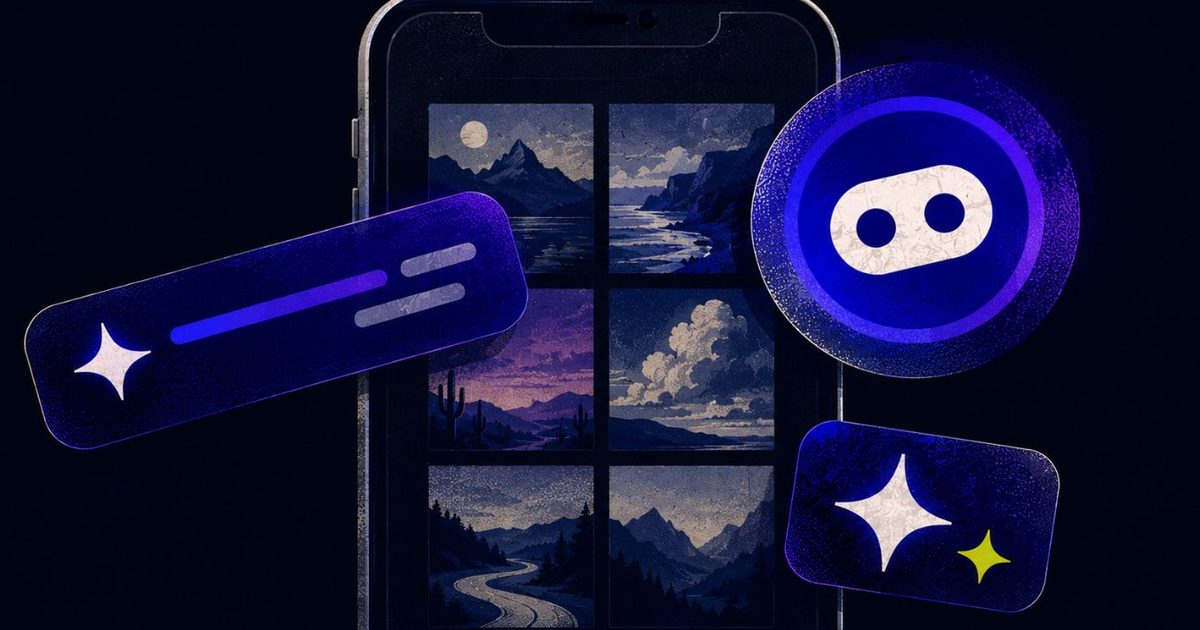
My wife does not use AI very much. She is not philosophically opposed to it, nor is she waiting for machines to overthrow civilization. She simply opens Google Photos because she wants to look at her photos.
Lately, however, the app keeps greeting her with invitations to try its AI tools. Google would very much like her to search her library conversationally, generate something new, or ask Gemini to edit a photo. She dismisses the prompt, gets on with her life, and eventually meets it again.
That small irritation made me look at the apps on my own phone. Apparently, nearly all of them have reached the same conclusion. I do not merely need AI occasionally. I need it waiting inside every search bar, messaging app, music player, and document reader I already use.
My apps have all caught AI fever
Google Photos now includes Ask Photos, which uses Gemini to search your library, answer questions about it, and make edits from written instructions. Google says the feature remains experimental and may produce inaccurate results. You can disable it, although doing so requires digging through Photos settings, Preferences, and finally Gemini features in Photos. The setting exists, which is better than nothing. Still, someone who repeatedly dismisses an invitation has already communicated a preference. The app simply interprets “not now” as “please ask me again once I’ve forgotten why I was annoyed.”
Meta has taken a broader approach. Its assistant now lives across WhatsApp, Instagram, Facebook, and Messenger. One blue circle has managed to follow users across four separate apps, like a helpful shop assistant who somehow appears in every aisle. Spotify has its AI DJ, AI-generated playlists, and conversational music search. Adobe Reader puts an AI assistant beside the humble PDF. Microsoft went further and renamed its Office hub the Microsoft 365 Copilot app, presumably because “Microsoft 365, Now With AI Whether You Asked or Not” tested poorly.
Microsoft does let desktop users disable Copilot in Word, Excel, and PowerPoint. Its documentation says the same switch is not available in the iOS, Android, or web versions. Mobile users can change broader privacy settings instead, potentially affecting other connected features in the process. That is less an off switch and more a circuit breaker.
This trend extends beyond the apps mentioned. Samsung’s Galaxy devices have long promoted Bixby, often placing a dedicated button on the side of the phone. Users quickly learned to train themselves to avoid pressing it, or even remapped the button to launch Google Assistant or another service. Apple, too, has slowly expanded Siri suggestions across the system, though it has generally kept them less intrusive than competitors. The difference lies in how aggressively the AI is being surfaced. What once was a quiet background feature has become the centerpiece of many redesigns, often displacing the core functionality users originally sought.
Some of these tools are genuinely useful
I am not pretending every AI feature is worthless. Finding a particular photo by describing the half-remembered circumstances around it is useful. Asking a 70-page PDF a specific question can save time. Conversational music search might succeed where Spotify’s ordinary search bar sometimes behaves as though I’ve given it a riddle.
I also pay for ChatGPT and Claude. Clearly, my objection is not that artificial intelligence exists. The difference is intent. When I open an AI app, I am choosing an AI interaction. When I open Photos, I want my photos. When I open WhatsApp, I want to message someone. When I open Spotify, I probably already know what I want to hear.
These apps worked before AI became their loudest new feature. Now, the assistant is increasingly presented as the natural center of the experience, while everything the app was originally built to do gets pushed slightly to the side. The industry appears terrified that AI might become invisible. Every assistant needs a button, every button needs a colorful glow, and every glow must occupy the exact piece of screen where your thumb already goes.
A genuinely useful feature does not need to keep introducing itself. It quietly becomes part of your routine because it solves a problem better than the old method. The current approach feels closer to software companies desperately proving that they, too, possess an AI strategy. This rush to integrate AI is reminiscent of the early 2010s when every app tried to integrate a social feed or a share button, regardless of whether it made sense. Just as users eventually tuned out those features, they are now learning to ignore or dismiss AI prompts, creating a cycle that frustrates users and wastes development resources.
Moreover, the constant push for AI features raises privacy concerns. Many of these tools rely on cloud processing, meaning your data—photos, conversations, listening habits—must be sent to servers for analysis. While companies assure users that data is anonymized and encrypted, the repeated invitations to try AI may be an attempt to collect more training data. The more people opt in, the better the models become, which in turn justifies further integration. This creates a feedback loop where user consent is not a one-time decision but a persistent nudge designed to erode resistance.
Historically, the most successful software features have been those that users discover organically. The undo button in Gmail, for instance, was introduced quietly and became essential. Similarly, predictive text in keyboards improved over years without fanfare. AI could follow the same path if companies would let it. Instead, they are treating the feature like a new product launch, complete with banners, tutorials, and persistent dots that beg to be tapped. The result is a user experience that feels less like a helpful tool and more like a marketing campaign.
Another overlooked aspect is accessibility. For users with disabilities, unexpected interface changes can be disorienting. A user who relies on muscle memory to navigate an app may suddenly find their preferred path blocked by an AI prompt. Those who depend on screen readers may hear a long description of a feature they never requested. The blind pursuit of AI integration risks alienating the very users who need consistency the most.
Even from a business perspective, the strategy is questionable. User satisfaction ratings for apps that aggressively push AI have seen declines in some cases. Spotify, for example, saw a wave of complaints when its AI DJ was first introduced, with users frustrated that it appeared automatically in the playback screen. Over time, Spotify added a way to hide the DJ, but the initial backlash demonstrates that not every user wants a personalized host. The same pattern is emerging with Google Photos: while some power users appreciate Ask Photos, casual users find it intrusive.
“No” should survive the next update
These companies keep promising software that understands us. Google Photos can identify faces, places, objects, and half-remembered vacations from years ago. Spotify studies what we play, when we play it, and which song we abandon after 12 seconds. Meta has spent years building systems designed to predict what will keep us staring at a screen.
Yet remembering that someone already declined an AI feature apparently remains beyond the limits of modern computing. Sure, we can find a way in their documentation a way to opt-out, but why make opt-in the default? A dismissed prompt returns. A hidden button becomes more prominent. An app update quietly gives the assistant another opportunity to introduce itself. The software remembers everything except the preference that conflicts with the company’s current strategy.
Perhaps these apps already understand what “no” means. They have simply decided that remembering it would be bad for engagement. The implication is troubling: companies are willing to trade user trust for a few extra percentage points of feature adoption. In the long run, this approach may backfire. Users today have more choices than ever, and they are increasingly willing to switch to alternatives that respect their preferences. The rise of privacy-focused browsers like Brave and search engines like DuckDuckGo shows that users will vote with their feet when they feel ignored.
It is time for a different approach. Instead of treating every user as a potential AI convert, apps should adopt a simple rule: the first time a user declines a feature, respect that decision permanently—or at least until they manually revisit the settings. Opt-in should always be the default, not opt-out. If a feature is genuinely useful, users will come looking for it. Until then, the best thing an AI assistant can do is stay out of the way.
Source: Digital Trends News